Changelog

Follow new updates and improvements to Byggeprojekt.dk.

October 2nd, 2024

πŸš€ Improvement

πŸŽ‰ Feature

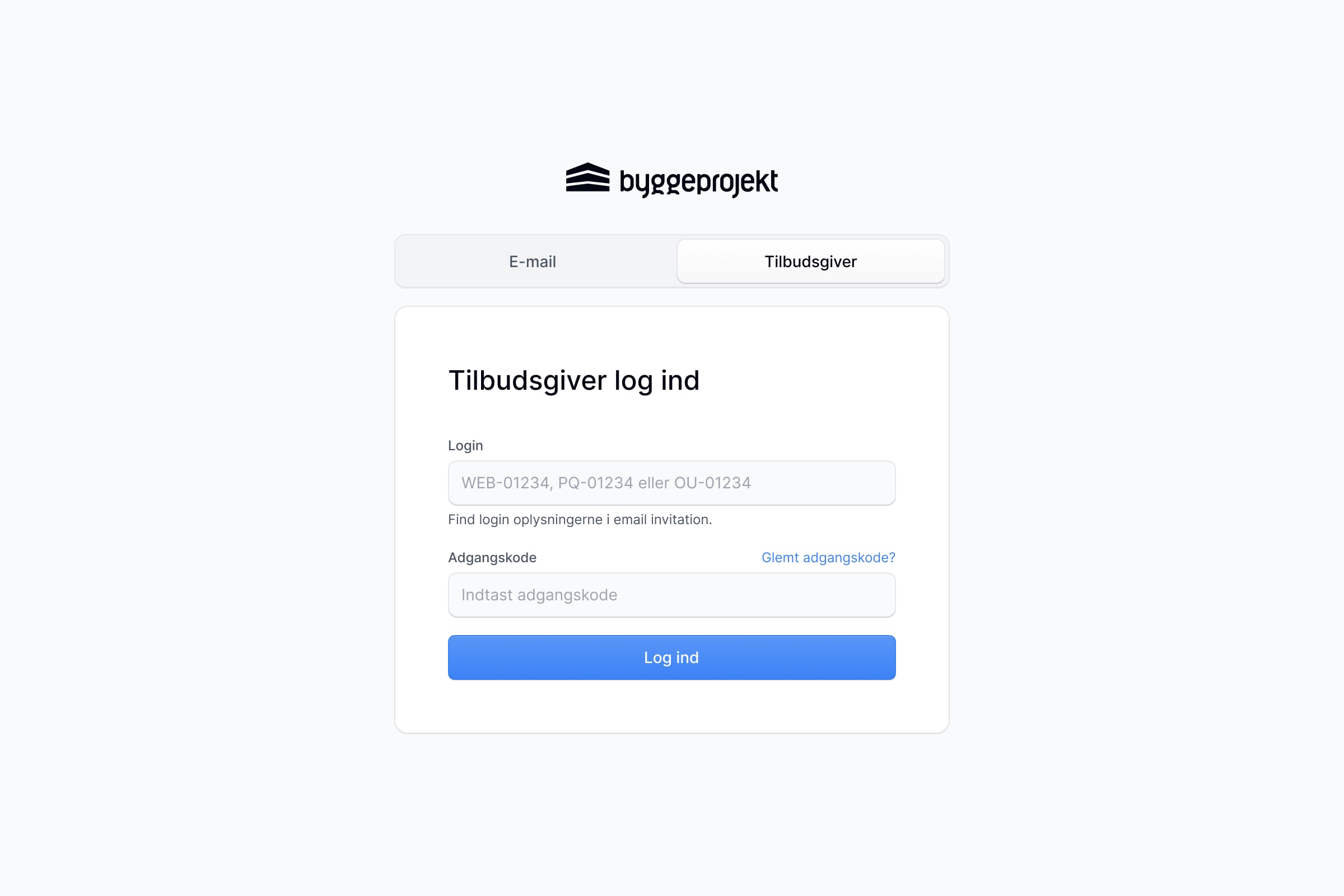
We've just launched a dedicated login page just for bidders! πŸŽ‰

Now you can easily log in to manage your profile and follow your tenders. In the future, all links to tenders will automatically direct you to the new login page.

If you go to the login page via our website, you can simply click on the Bidders tab to see the new login.
July 4th, 2024

πŸŽ‰ Feature

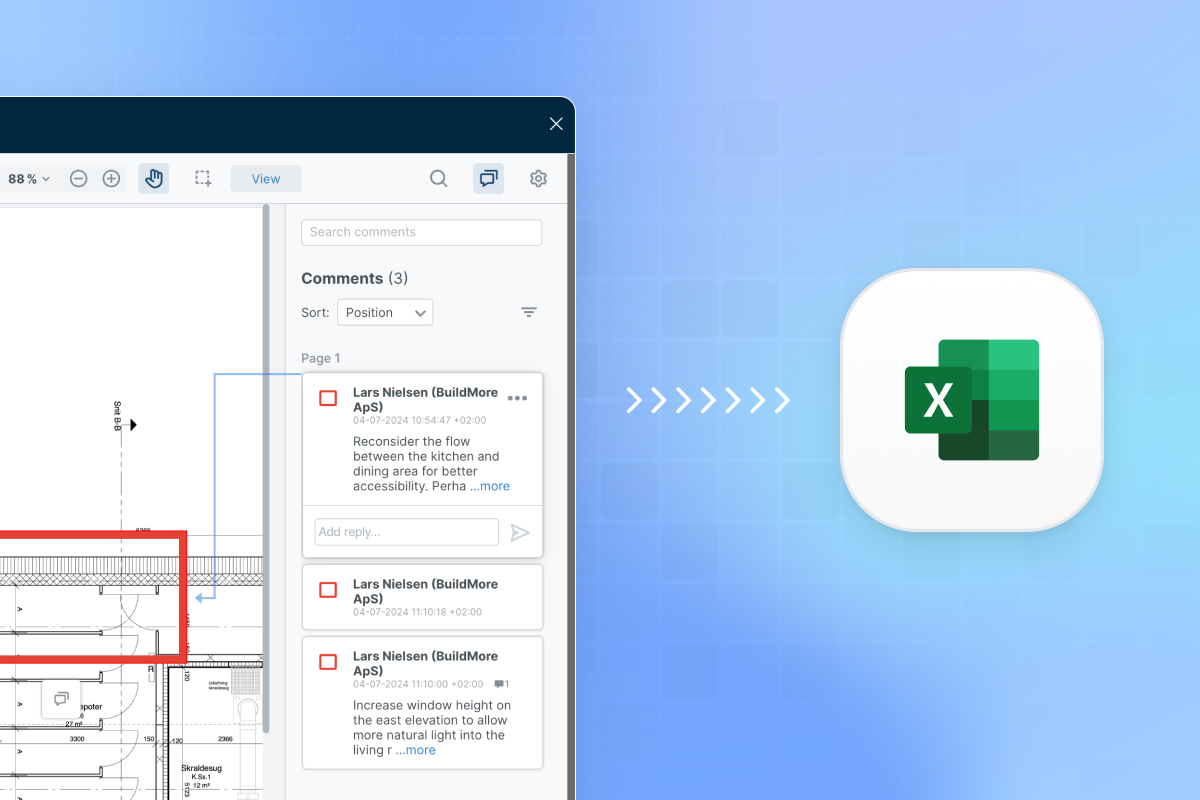
The Review Excel reports now include a dedicated Comments Tab, providing an organized view of all annotation comments. This feature makes feedback easy to access, track, and address, improving collaboration and streamlining the review process.

July 4th, 2024

πŸš€ Improvement

πŸŽ‰ Feature

🎨 Design

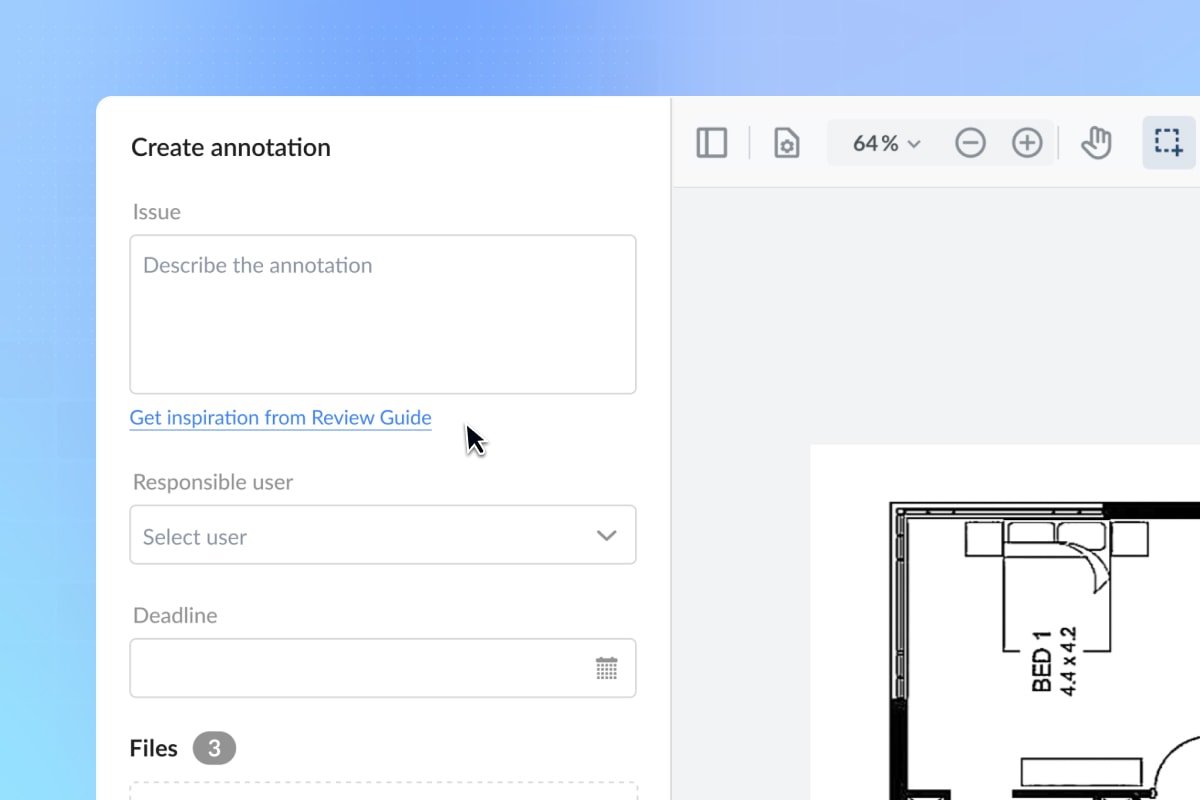
We've added a link to our Review Guide when creating annotations. Additionally, the text has been updated from "Find inspiration" to "Get inspiration from Review Guide" to enhance your experience. Enjoy seamless access to resources and inspiration!

July 4th, 2024

πŸŽ‰ Feature

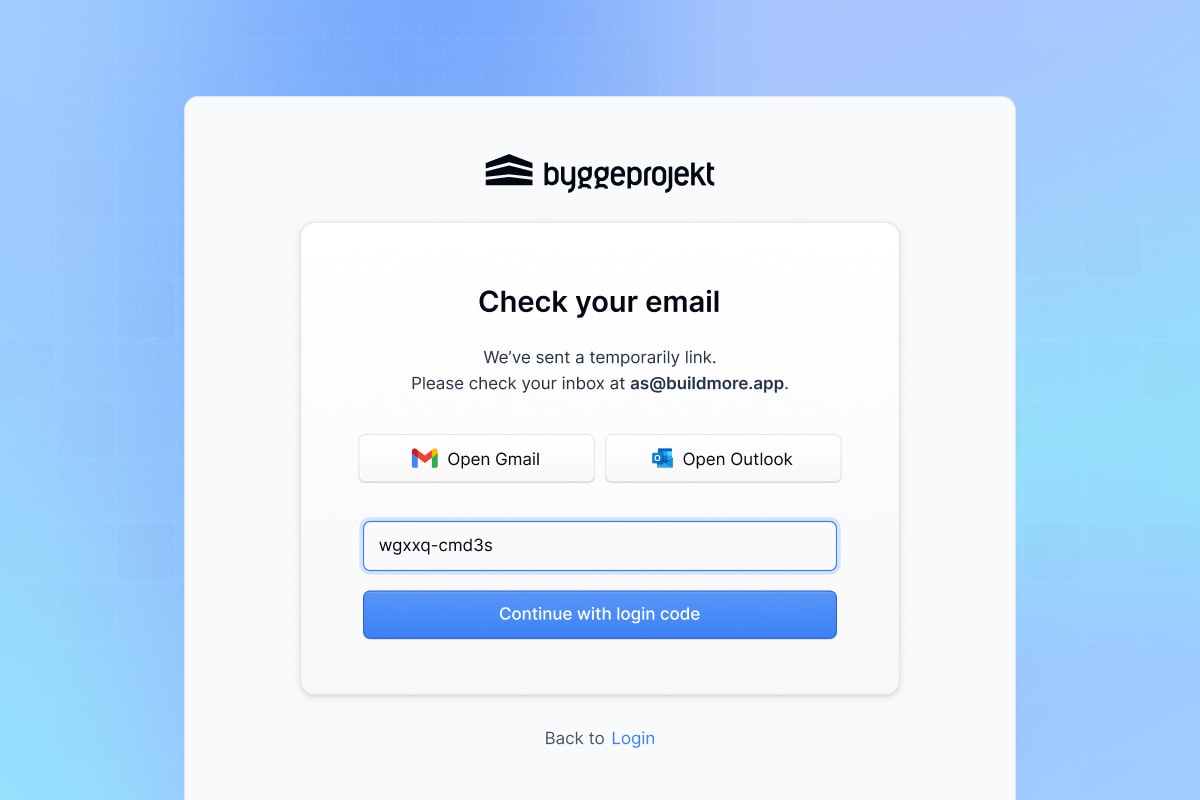
A magic link is a one-time password that you can use to log in by clicking a link in an email or entering the code manually β€” whichever way you find easier. It's a secure and convenient alternative to traditional passwords. Plus the link has an expiration time to keep your account safe.

July 4th, 2024

✨ New

πŸš€ Improvement

πŸŽ‰ Feature

🎨 Design

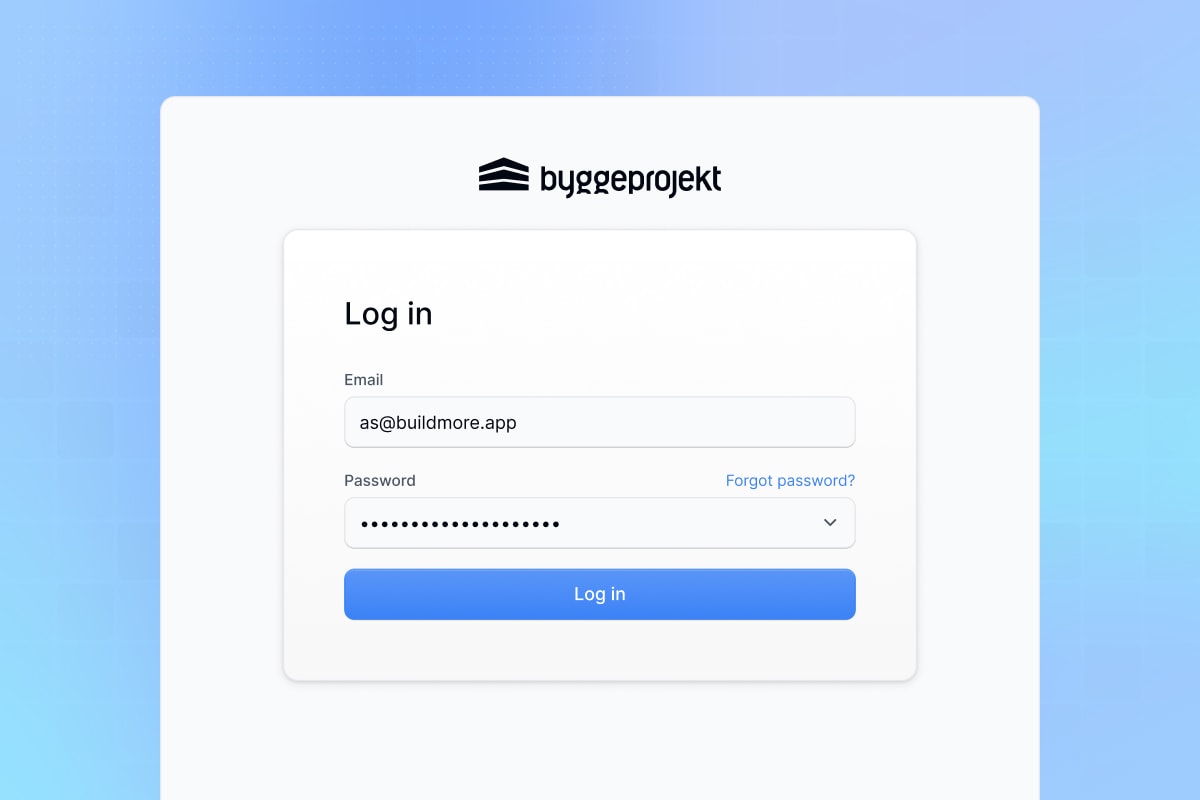
We’ve improved our login and account creation processes to make them easier and more user-friendly. Now, accessing your account is faster and simpler than ever.

June 27th, 2024

πŸš€ Improvement

πŸŽ‰ Feature

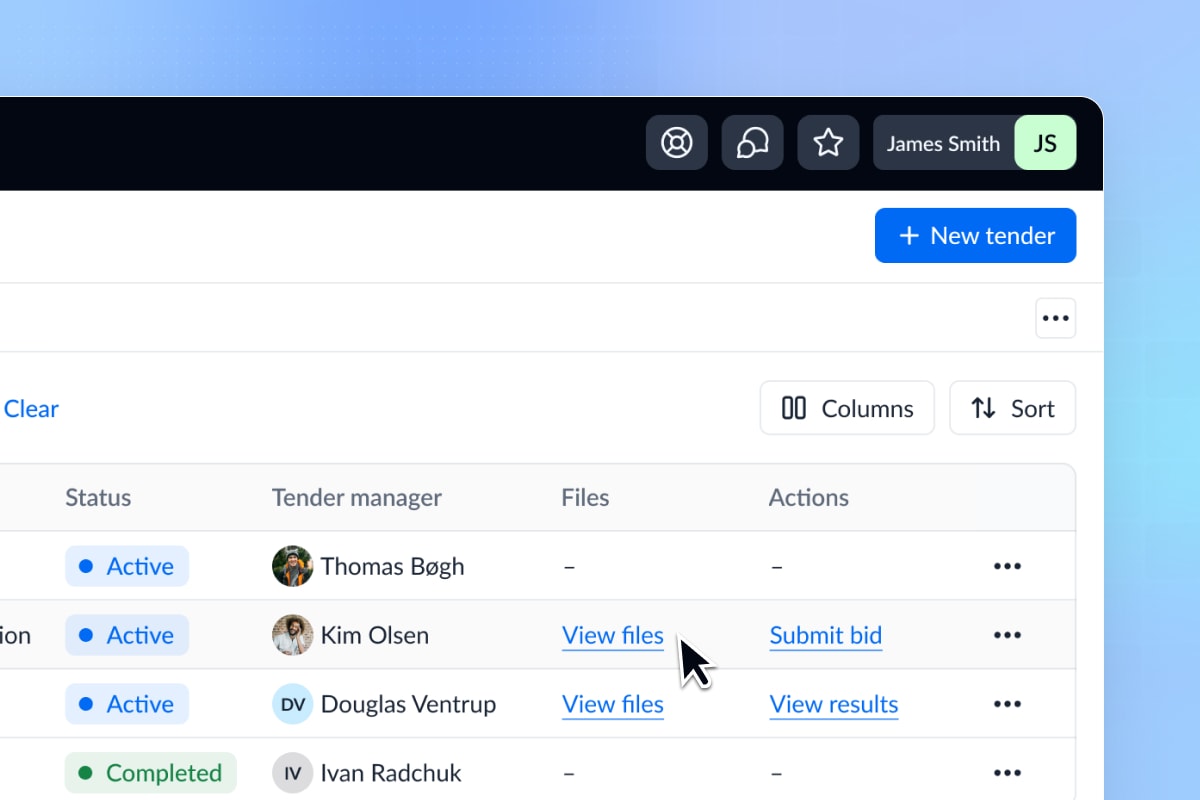
Bidders can now view files directly from the tenders table. This makes accessing important documents faster and easier. Just click View Files β€” no more navigating through multiple pages.

June 14th, 2024

πŸš€ Improvement

πŸŽ‰ Feature

🎨 Design

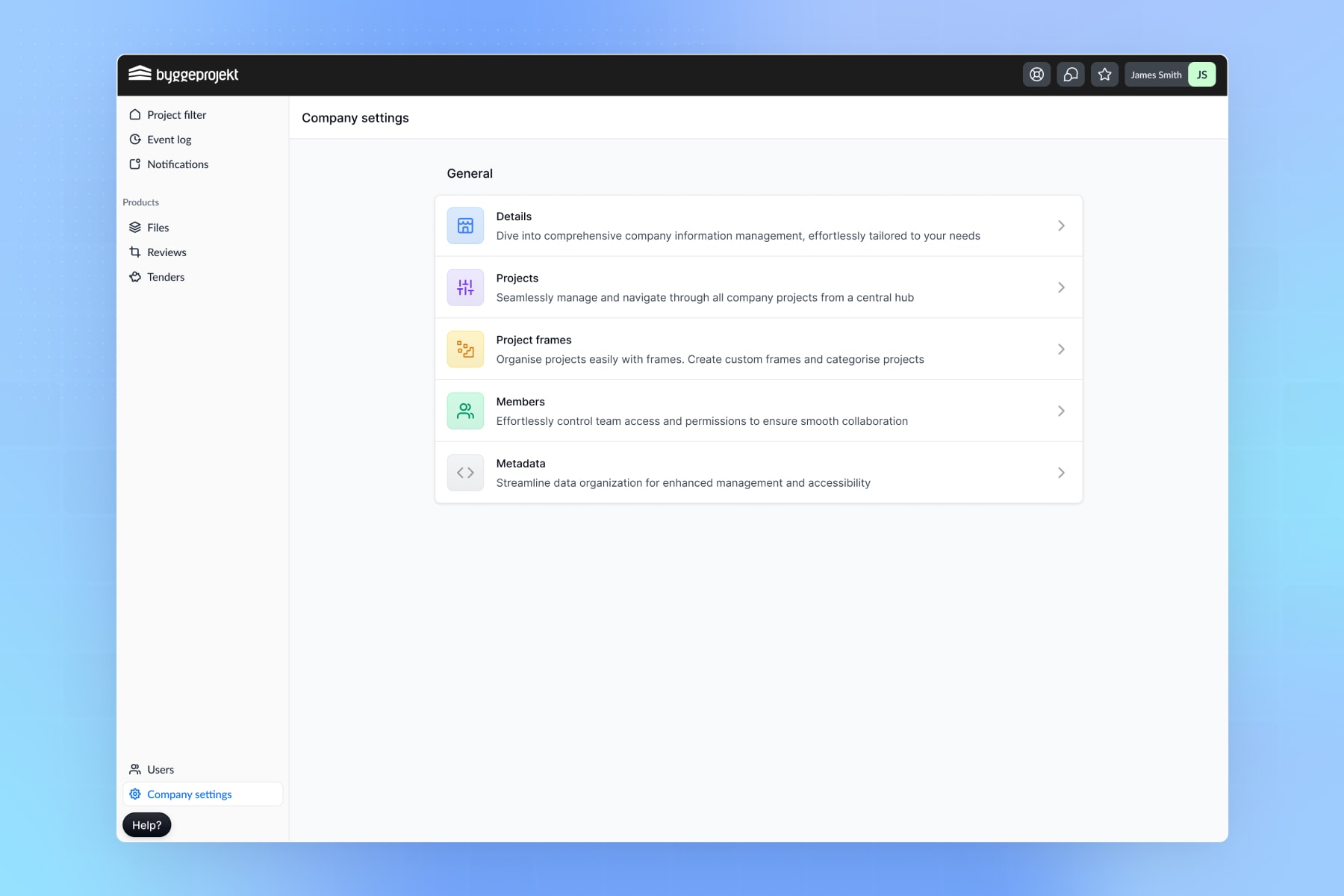
We are excited to announce the latest updates to our company settings, aimed at enhancing your experience with a more streamlined and user-friendly interface.

All settings are now centralized in one location, making navigation easier and more intuitive. This change provides quicker access to various settings and a more cohesive user experience. The settings page has a refreshed layout with a cleaner design and improved readability, making it easier to find and manage settings with a more organized structure.

May 1st, 2024

✨ New

πŸš€ Improvement

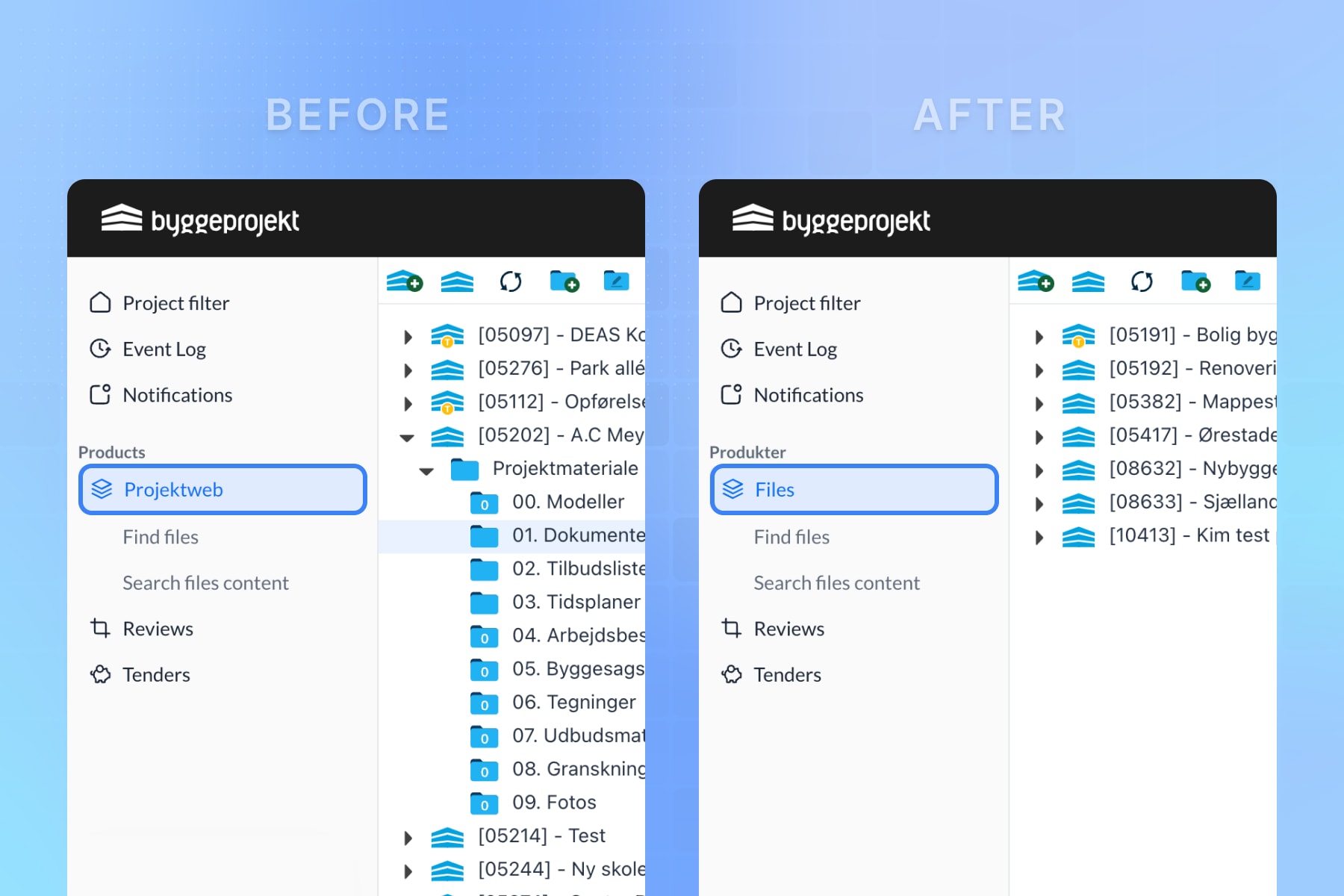
We're excited to announce a significant change in our platform: the renaming of the "Projectweb" module to "Files"! This update aligns more closely with the functionality of the module and sets the stage for an enhanced user experience.

What's New:

  • Module Renaming: The "Projectweb" module has been renamed to "Files" for clarity and alignment with its core functionality.

  • Improved User Experience: This change reflects our commitment to providing an intuitive and user-friendly platform.

We believe this update will streamline navigation and improve clarity across the platform. Stay tuned for more exciting updates in the pipeline!

April 25th, 2024

✨ New

πŸš€ Improvement

πŸŽ‰ Feature

We're thrilled to announce the launch of Digital Review 2.0, our latest upgrade that brings a host of exciting features and improvements to our platform. Here's what you can expect:

  1. Enhanced User Interface: We've revamped the user interface to make it more intuitive and user-friendly, ensuring a smoother and more enjoyable experience for all users.

  2. Customizable Workflows: With Digital Review 2.0, you have the flexibility to create customized workflows tailored to your specific project needs. Define the sequence of review steps, invite reviewers, and set deadlines with ease.

  3. Streamlined Annotation Forms: Our new annotation form builder allows you to create customized forms to gather structured feedback from reviewers. Tailor the form fields to capture the information that matters most to your review.

  4. Creating Reviews: Digital Review 2.0 introduces a new, intuitive way of creating reviews. Easily set up new reviews with features for adding files, configuring workflow, and adjusting review settings.

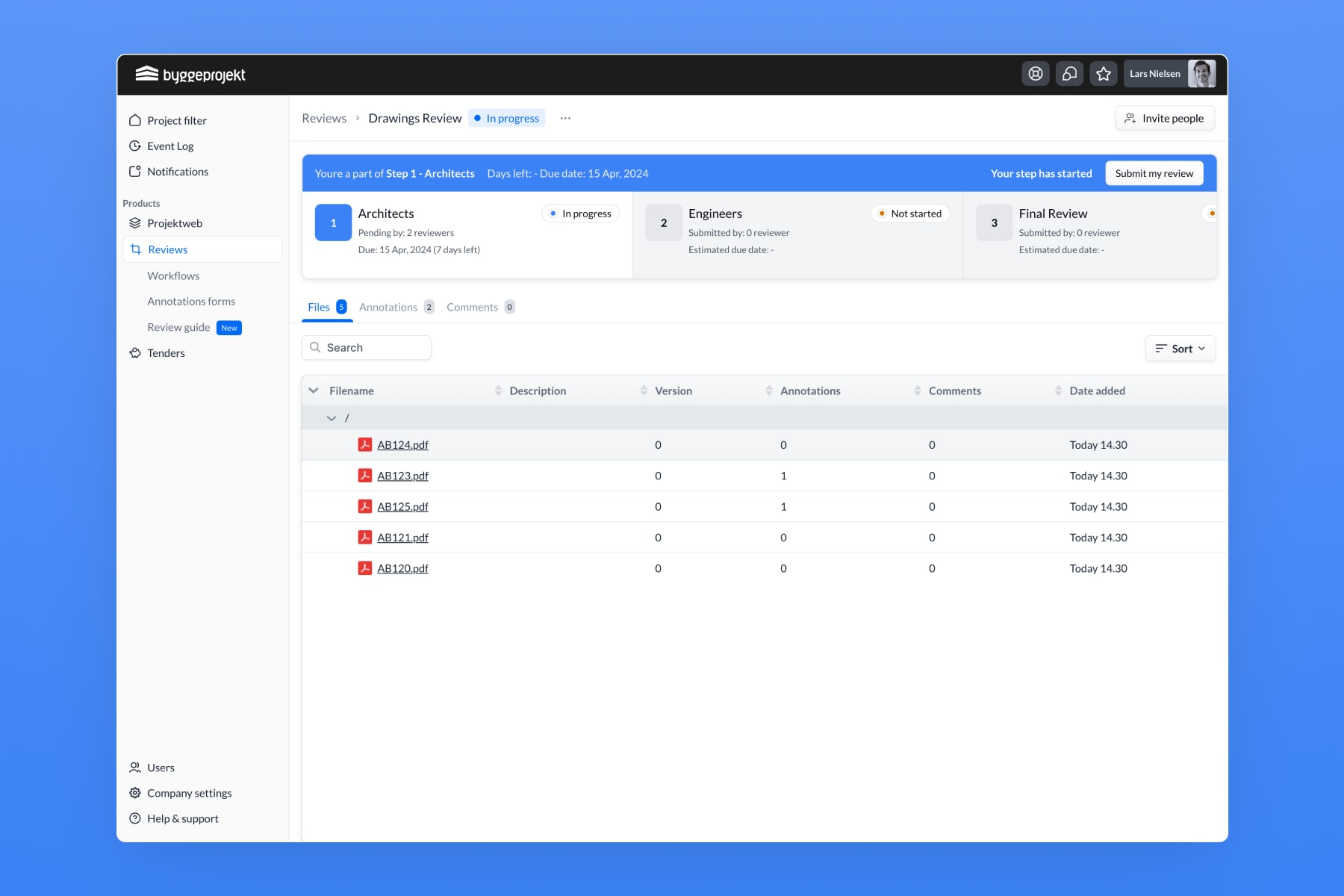
  5. Review Details Page: Explore the new interface when entering a review with our improved Review Details Page. Navigate through the review process seamlessly with a clear overview of each step and its progress.

We're confident that Digital Review 2.0 will elevate your review experience and help you achieve better outcomes. Thank you for your continued support, and we look forward to hearing your feedback as you explore the new features!

April 25th, 2024

πŸš€ Improvement

πŸŽ‰ Feature

We're excited to announce the launch of our redesigned Review Details page in Review 2.0! With enhanced features and a revamped interface, managing your reviews has never been easier. Here's what's new:

  1. Workflow Progress Tracker
    Keep track of your review's progress with our new Workflow Progress Tracker. This visual representation allows you to see exactly where you are in the review process, ensuring that you stay on track and meet your deadlines. Easily identify completed steps and pending actions to streamline your review workflow.

  2. Workflow Step Details Side Panel
    Gain deeper insights into each step of your review process with our Workflow Step Details Side Panel. This intuitive panel provides comprehensive information about each workflow step, including review manager actions, step details, and assigned reviewers. Effortlessly navigate between steps and take action directly from the side panel, ensuring efficient review management from start to finish.

  3. Invite Users Pop-up
    Quickly and easily invite users to your review with our new Invite Users Pop-up. Whether you need to add review managers, or viewers, this streamlined feature allows you to invite users directly from the Review Details page. Simply select the desired users and assign their permissions with just a few clicks, ensuring that your review team is complete and ready to collaborate.

    Experience the power of our new Review Details page and take your review management to the next level with Review 2.0. Start exploring these exciting new features today!